Free & Open Source
Your clipboard,
al dente.
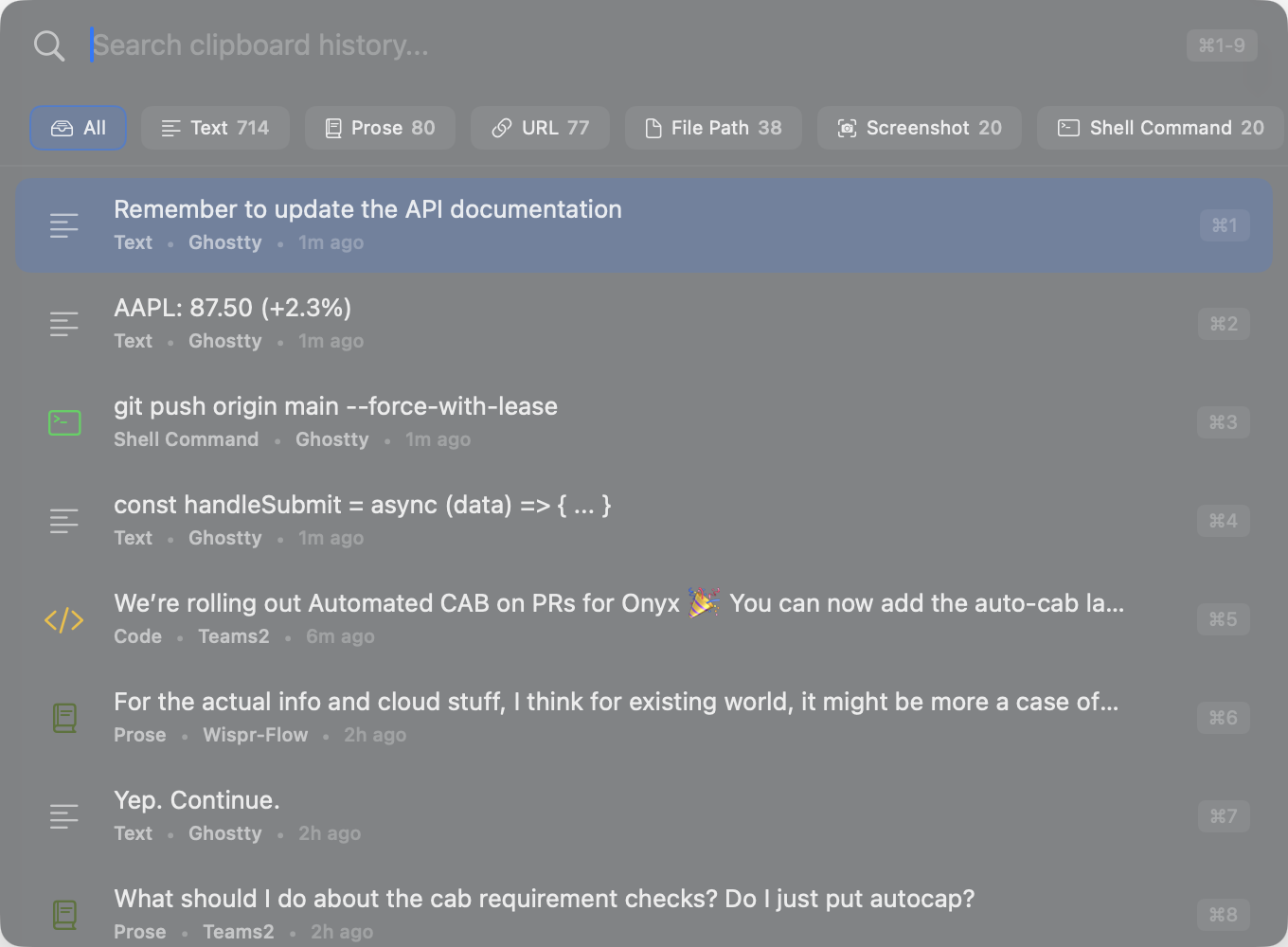
A blazing-fast, local-first clipboard history manager for macOS with intelligent content detection. Never lose a copied item again.
A blazing-fast, local-first clipboard history manager for macOS with intelligent content detection. Never lose a copied item again.
Every copy is saved automatically. Search through weeks of clipboard history instantly.
Auto-categorizes emails, JWTs, code snippets, URLs, env vars, file paths, and more.
Full-text search with fuzzy matching. Find anything in milliseconds, even with thousands of items.
Global hotkey, full keyboard navigation, and quick-paste shortcuts. Your hands never leave the keyboard.
Images, syntax-highlighted code, decoded base64, and formatted JSON. See exactly what you copied.
100% local storage. No cloud sync, no telemetry, no accounts. Your data stays on your Mac.
Press the global hotkey to summon a floating search panel from any app. Type to filter, use arrow keys to select, and press Enter to paste instantly.
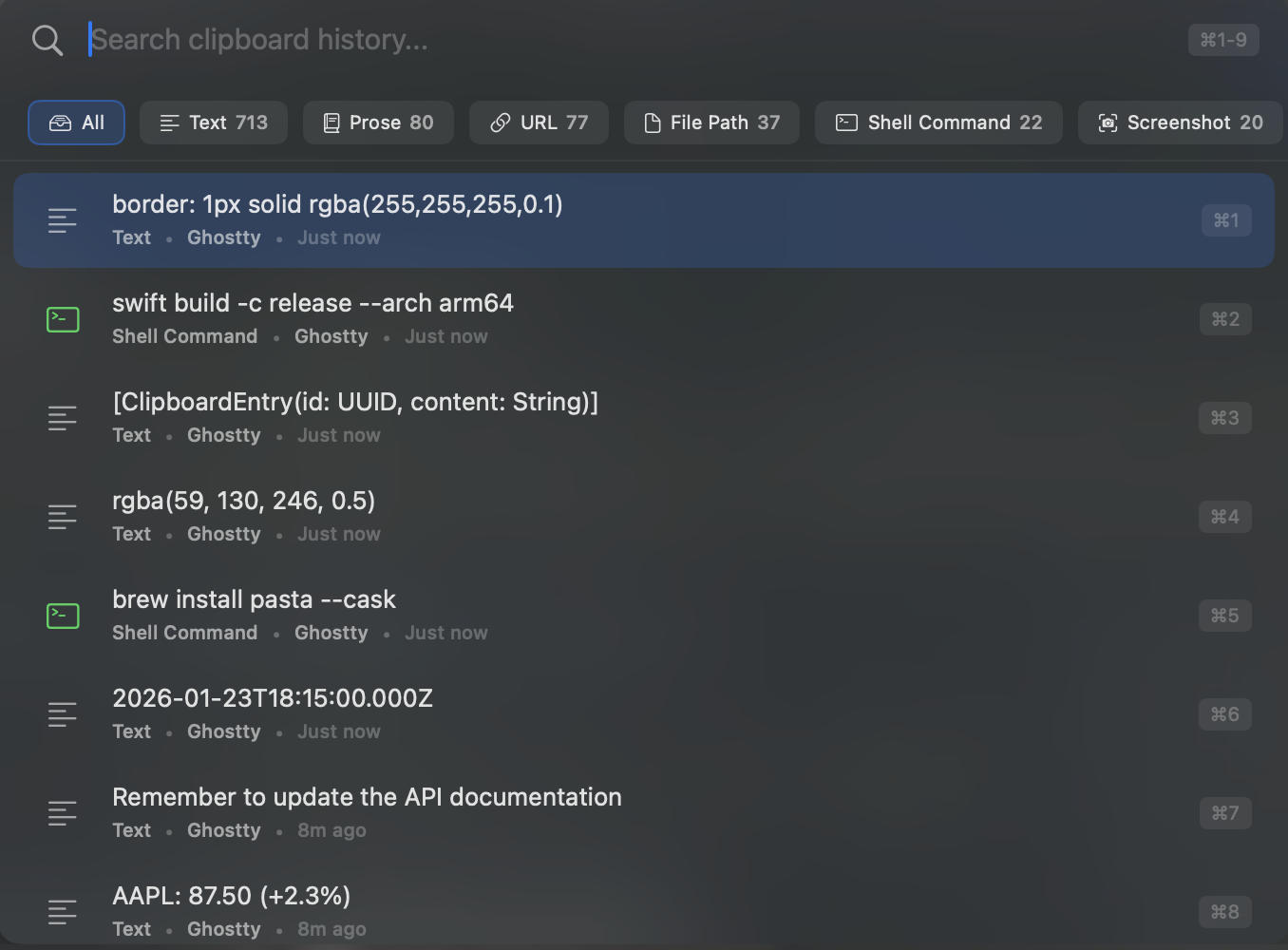
Pasta stores everything locally in a SQLite database on your Mac. No cloud sync, no telemetry, no user accounts. Your clipboard history is yours alone.
Pasta is free and open source. If you find it useful, consider supporting its development!
Download Pasta for free. Open source, always.
Requires macOS 14.0 (Sonoma) or later